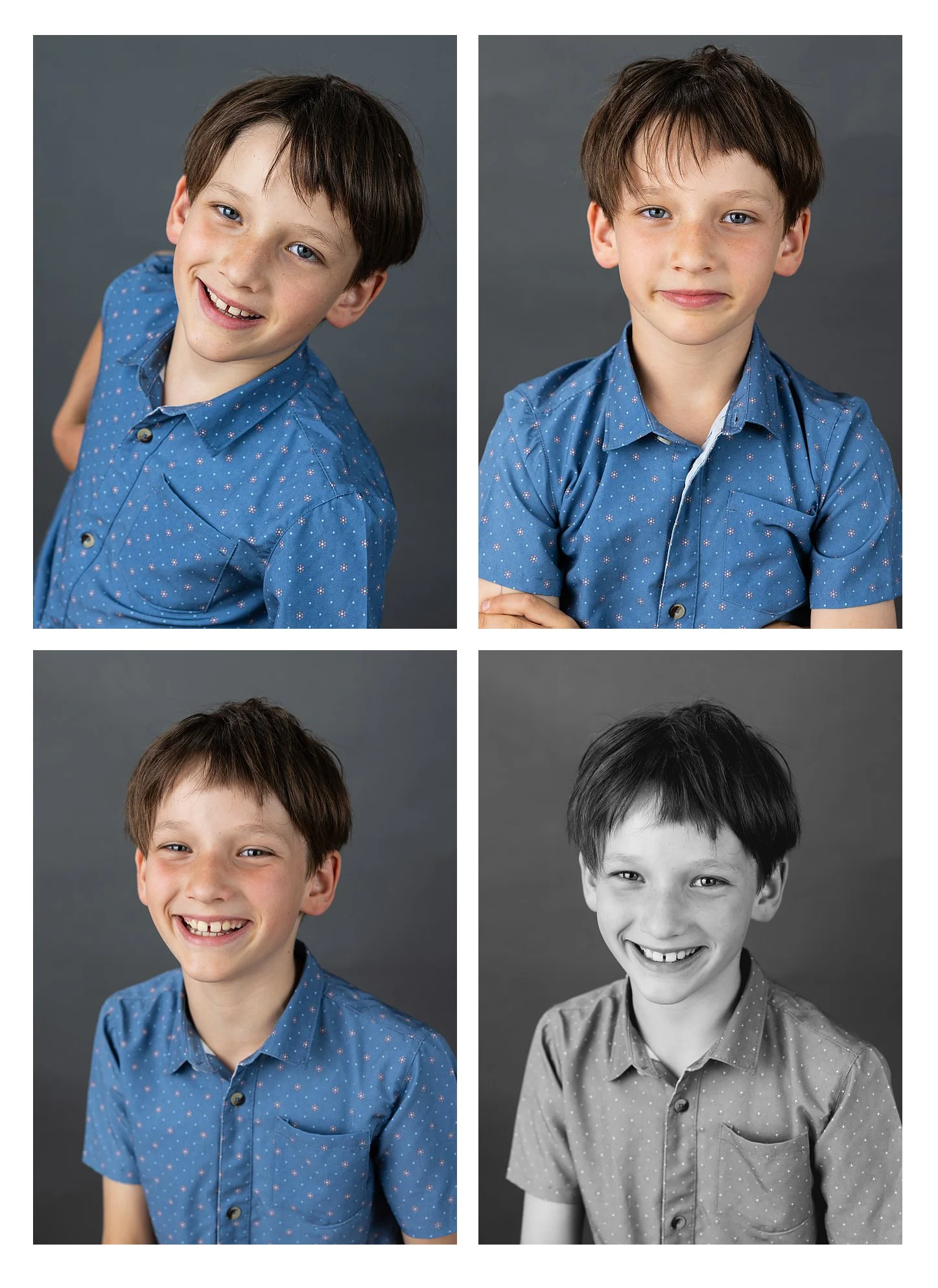
All the Smiles!!
I am thrilled to be back this year offering families flexibility with their photos again!
NO need to preregister this year. Just show up and be ready for photo day!
¡Estoy encantada de volver este año y de ofrecerles a las familias mayor flexibilidad con sus fotos!
¡NO es necesario registrarse con anticipación este año. Simplemente vengan y estén listos para el día de las fotos!
How It Works:
September 10 — Grades 6-12
September 11 — k-5
September 29 — retakes
Your Online Gallery will be ready to see on September 23rd.
Our very last ordering deadline is October 19! For delivery to the school.
Any orders that take place after October 19th will be charged a shipping fee of $10 per order, and will come straight to your home.
Here is a video recording of how to order once you get your gallery email!
Su galería en línea estará disponible para ver a partir del 23 de septiembre.
¡La fecha límite final para hacer pedidos es el 19 de octubre! Los pedidos realizados antes de esta fecha serán entregados en la escuela.
Cualquier pedido realizado después del 19 de octubre tendrá un cargo de envío de $10 por pedido y será enviado directamente a su domicilio.
Aquí encontrarán un video que explica cómo hacer su pedido una vez que reciban el correo electrónico con el enlace a su galería.
What it Costs:
Print 5x7 $11.50
Print 8x10 $16.00
Print Set of 2-4x5 $12.00
Wallets (set of 4) 8 Wallets (2.5x3.5) $12.50
Class Composite Print 8x10 $18.00
Magnet $15
Single Digital File: $45
All Digital files $85
Retouching $5
Packages ranging from $27 to $118
Once you are ready to order here are some FAQ’s for you to peruse
1. Is it possible to place a single order for multiple siblings?
Yes! Click on "Did you get another access code?" under the main menu "Login". You can enter up to five access codes at the same time. This way you will have access to all available photos. You can combine the order.
2. I received an email with login information - how can I order photos?
After you have placed an order or registered with the online shop, you will receive an email with login credentials. Using your email and the new password, you can use the "Customer Login" to enter your personal gallery, order photos, and check the status of your orders.
3. Where can I see the status of my order?
The easiest way is to click the link within your order confirmation email. Alternatively, you can log in with the password and email address you received via email. Once you’ve logged in, your order details can be found under "My Account."
4. How long will the delivery take?
The delivery time depends on the payment, the products you’ve ordered, and delivery method. The payment must be confirmed before your order can be processed. If you order by October 15th, your photos will be available by October 25th at the latest
6. Is the logo (watermark) going to be removed from the image?
Of course! The watermark is only used to protect against illegal downloads.
7. What is the quality of prints, posters, etc.?
We are committed to offering only the highest quality. If you are not satisfied with the quality of your photo products, please feel free to get in touch. We are devoted to your satisfaction.
8. Can I crop the images?
Yes. You will find this option within the shopping cart. If you crop the image, an enlargement of the selected area is created. Look for the stars which indicate whether the photo's resolution is sufficient for the enlargement.
9. I rarely order online - how can I order my photos here?
Select a photo that you like from your album and click "Order photo.” Then select the product of your choice, enter the desired quantity, and click on "Add to cart." When you have placed all of the photos you like into your shopping cart, click "Cart" on the top right of the screen and follow the instructions.
Una vez que estén listos para hacer su pedido, aquí encontrarán algunas preguntas frecuentes:
1. ¿Es posible hacer un solo pedido para varios hermanos?
¡Sí! Hagan clic en “Did you get another access code?” que aparece debajo del menú principal “Login”. Pueden ingresar hasta cinco códigos de acceso al mismo tiempo. De esta manera, tendrán acceso a todas las fotos disponibles y podrán combinar los pedidos.
2. Recibí un correo electrónico con la información para iniciar sesión. ¿Cómo puedo pedir mis fotos?
Después de realizar un pedido o registrarse en la tienda en línea, recibirán un correo electrónico con sus datos de acceso. Usando su correo electrónico y la nueva contraseña, pueden seleccionar “Customer Login” para ingresar a su galería personal, pedir fotos y consultar el estado de sus pedidos.
3. ¿Dónde puedo consultar el estado de mi pedido?
La forma más sencilla es hacer clic en el enlace incluido en el correo electrónico de confirmación de su pedido. También pueden iniciar sesión utilizando el correo electrónico y la contraseña que recibieron. Una vez que hayan iniciado sesión, encontrarán los detalles de su pedido en “My Account”.
4. ¿Cuánto tardará en llegar mi pedido?
El tiempo de entrega depende del método de pago, los productos que hayan pedido y el método de entrega. El pago debe ser confirmado antes de que podamos procesar el pedido. Si realizan su pedido antes del 15 de octubre, sus fotos estarán disponibles a más tardar el 25 de octubre.
6. ¿Se quitará el logotipo (marca de agua) de la imagen?
¡Por supuesto! La marca de agua solo se utiliza para proteger las imágenes contra descargas no autorizadas.
7. ¿Qué calidad tienen las impresiones, pósteres, etc.?
Nos comprometemos a ofrecer productos de la más alta calidad. Si no están satisfechos con la calidad de sus productos fotográficos, no duden en comunicarse con nosotros. ¡Queremos asegurarnos de que estén completamente satisfechos!
8. ¿Puedo recortar las imágenes?
Sí. Encontrarán esta opción dentro del carrito de compras. Al recortar una imagen, se crea una ampliación del área seleccionada. Busquen las estrellas que indican si la resolución de la foto es suficiente para la ampliación que desean.
9. Rara vez hago pedidos en línea. ¿Cómo puedo pedir mis fotos?
Seleccionen la foto que les guste de su galería y hagan clic en “Order photo.” Luego seleccionen el producto que desean, indiquen la cantidad y hagan clic en “Add to cart.” Cuando hayan agregado todas las fotos que desean al carrito, hagan clic en “Cart” en la esquina superior derecha de la pantalla y sigan las instrucciones.